
Creating a Shopify store is the first step to start selling online. In just a few minutes, you can set up your store, manage products, and handle orders from one dashboard.
Why Shopify Is Great for Dropshipping
Shopify helps you:
-
Build a professional storefront with ready-to-use themes
-
Manage products and orders in Shopify Admin
-
Set up checkout, shipping, and payments easily
-
Scale faster with apps and automation
Step-by-Step: Create Your Shopify Account
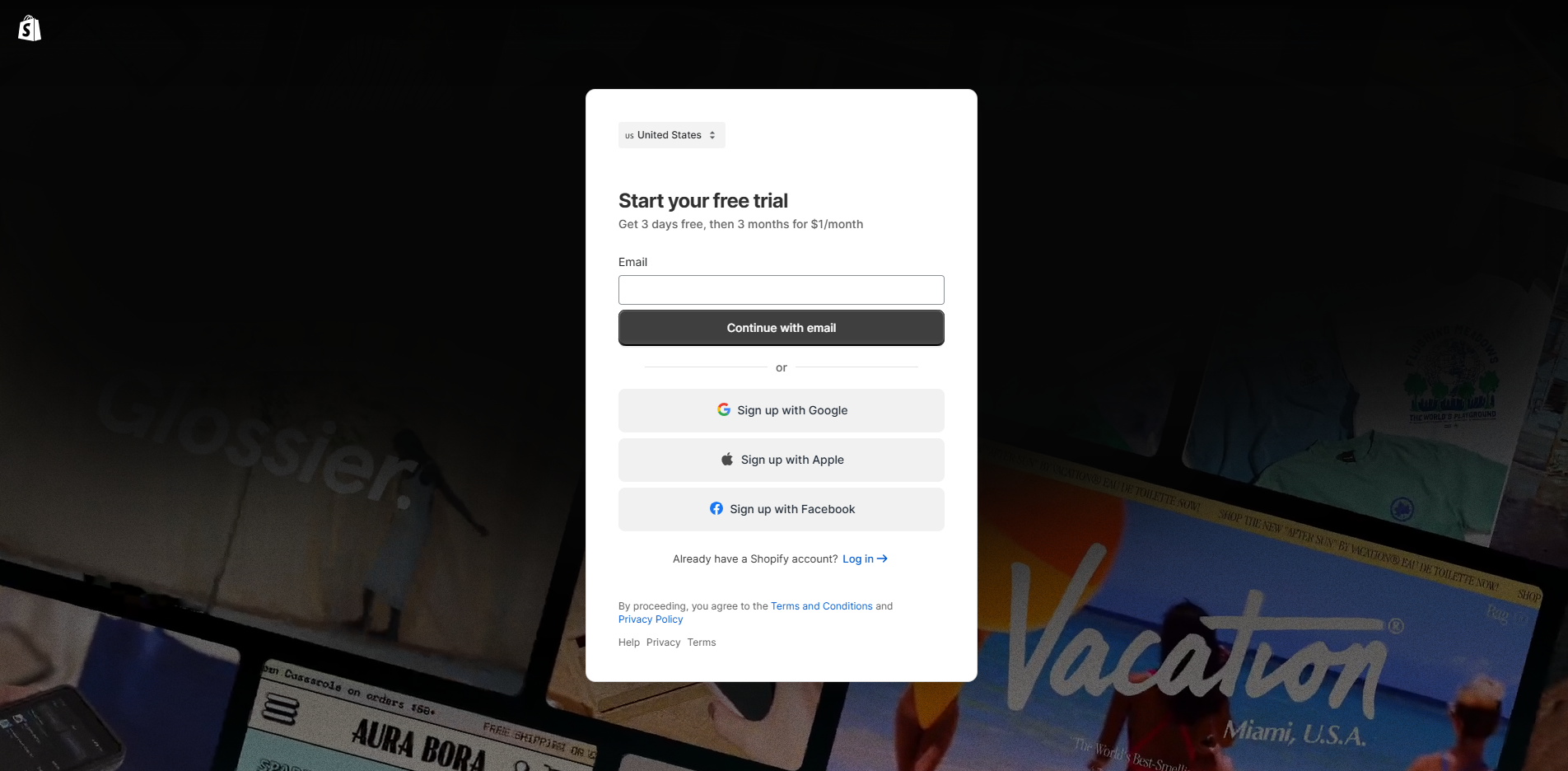
Step 1: Start Shopify Sign-Up
Go to one of these pages to begin:
-
https://www.shopify.com/ (Create account)
-
https://www.shopify.com/free-trial (Start free trial)
Step 2: Create Your Account Details
Enter your email and create your account details
Step 3: Complete the Onboarding (or Skip It)
Step 4: Choose Your Business Location
Select your business location so Shopify can configure the correct store settings.
Step 5: Save Your myshopify.com Domain
Once done, your Shopify store is created and ready for setup.
What to Do Next After Your Store Is Created
After your store is created, you should:
-
Pick a theme and customize your layout
-
Create core pages (Contact, Shipping, Refund)
-
Add products, pricing, and variants
-
Set shipping and payment methods
-
Test checkout before running ads
💡 Tip: You can use Zopi to import products into Shopify faster instead of adding them manually.
Launch Faster with Zopi Done-for-You Store Setup Service
Want a ready-to-sell store without spending hours on setup?
Zopi offers a Done-for-You Store Setup service to help you build a clean, professional storefront with key settings configured — so you can focus on selling.
To request this service, contact Zopi Support via Live Chat in your dashboard.
Conclusion
Shopify is your foundation for selling online. Once your store is created, you can start listing products and fulfilling orders right away. If you want a faster launch with a polished storefront, ask Zopi Support about our Done-for-You Store Setup service.