
Starting an online selling venture has never been more accessible, especially with platforms like Shopify. Whether you’re aiming for dropshipping, print-on-demand (POD), or establishing an ecommerce brand, a Shopify store brings your business to life in just a matter of hours. In this article, you will learn how to set up a Shopify store, prepare for launch, and tackle the key settings required for smooth dropshipping operations.
What is a Shopify Store Exactly?
A Shopify store is your little corner of the online marketplace – a space where you can showcase products, handle orders, engage with customers, and customize the look and feel of your branding. With a friendly interface like the Shopify Admin, managing settings such as product listings, shipping, sales channels, and checkout processes becomes second nature.
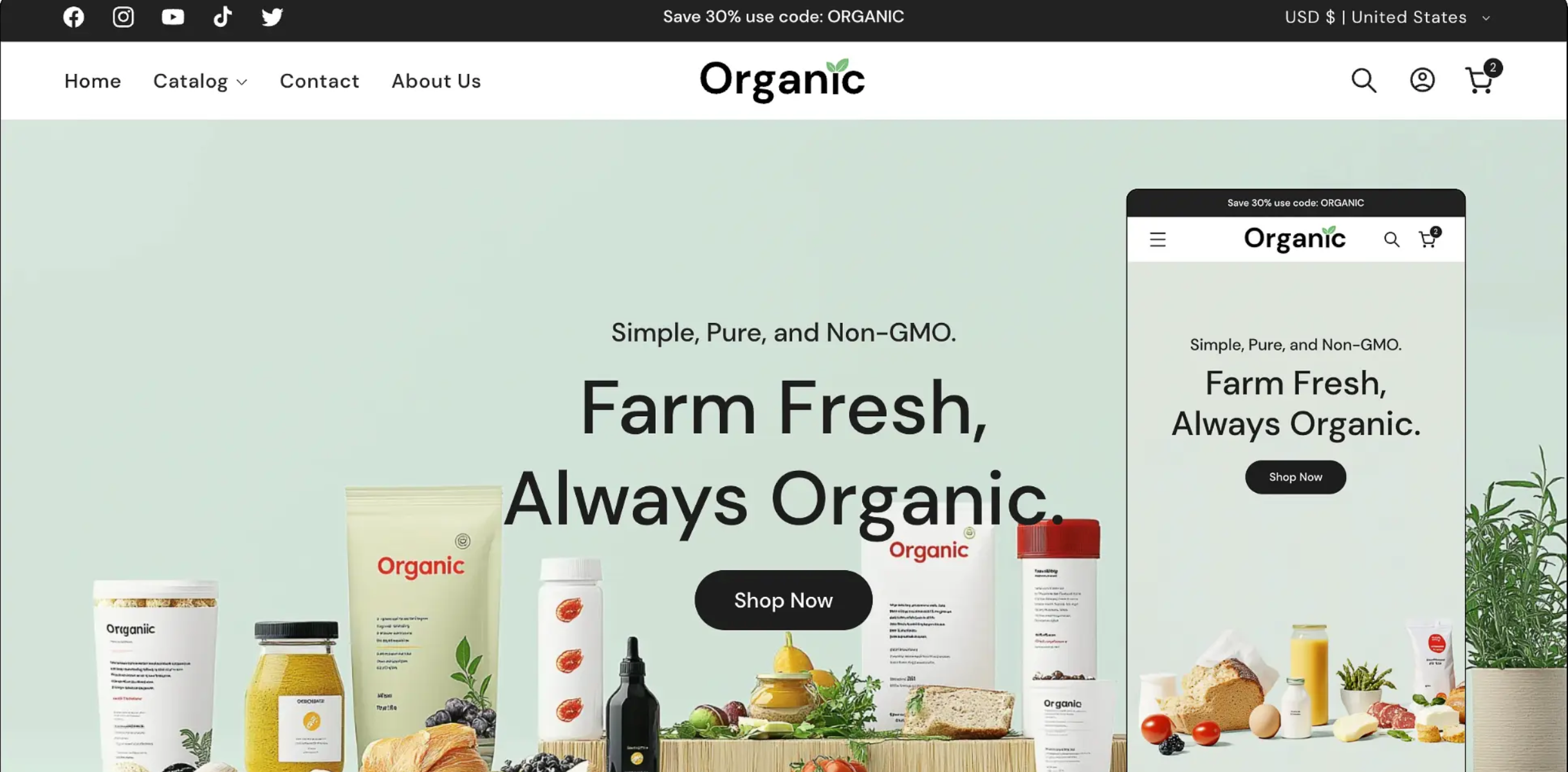
The Relevance of Shopify Stores in Dropshipping
The beauty of Shopify lies in its ability to help dropshippers like you hit the ground running. A well-optimized Shopify store can speed up the launch process, help you establish a professional web presence, smoothly handle orders, and scale your business with beneficial apps, in-built automation, and multiple sales channels. Once your store is up and running, tools like Zopi can help streamline product imports and order fulfillment.
Creating Your Shopify Store: A Step-By-Step Breakdown
Here’s a simple roadmap to help establish your Shopify store from scratch, ensuring your storefront is prepped for product imports and order fulfillment:
Step 1: Kickstart Your Shopify Account
Start by registering on Shopify and creating a store. After completing the onboarding process, you’ll land on the Shopify Admin Dashboard, the nerve center from where you’ll construct your store.
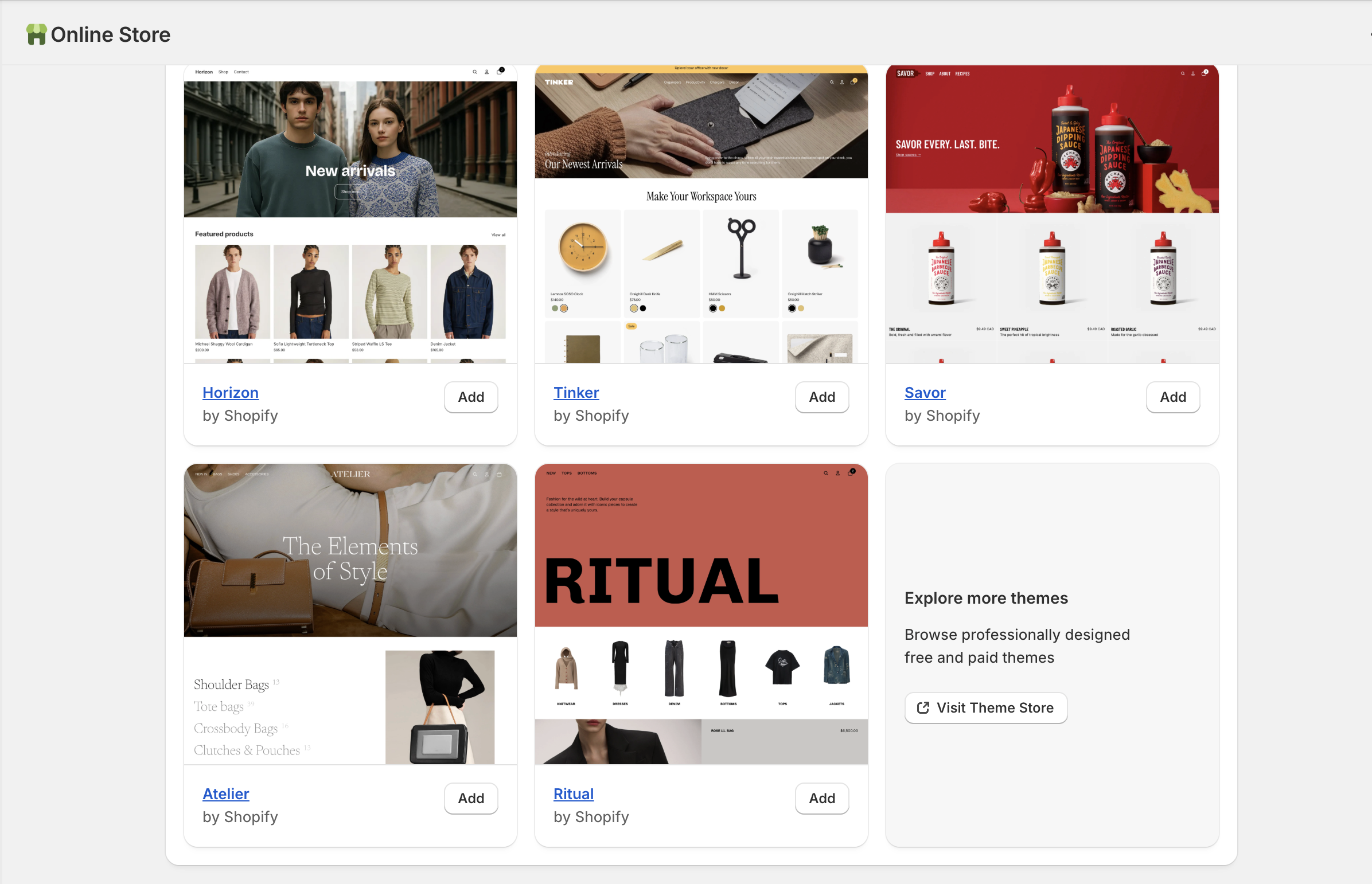
Step 2: Select Your Store Theme
Your theme shapes the visual appeal of your storefront. Be sure to choose a theme that personifies your brand and then customize it to fit your product strategy and target audience.
Step 3: Listing Your First Product
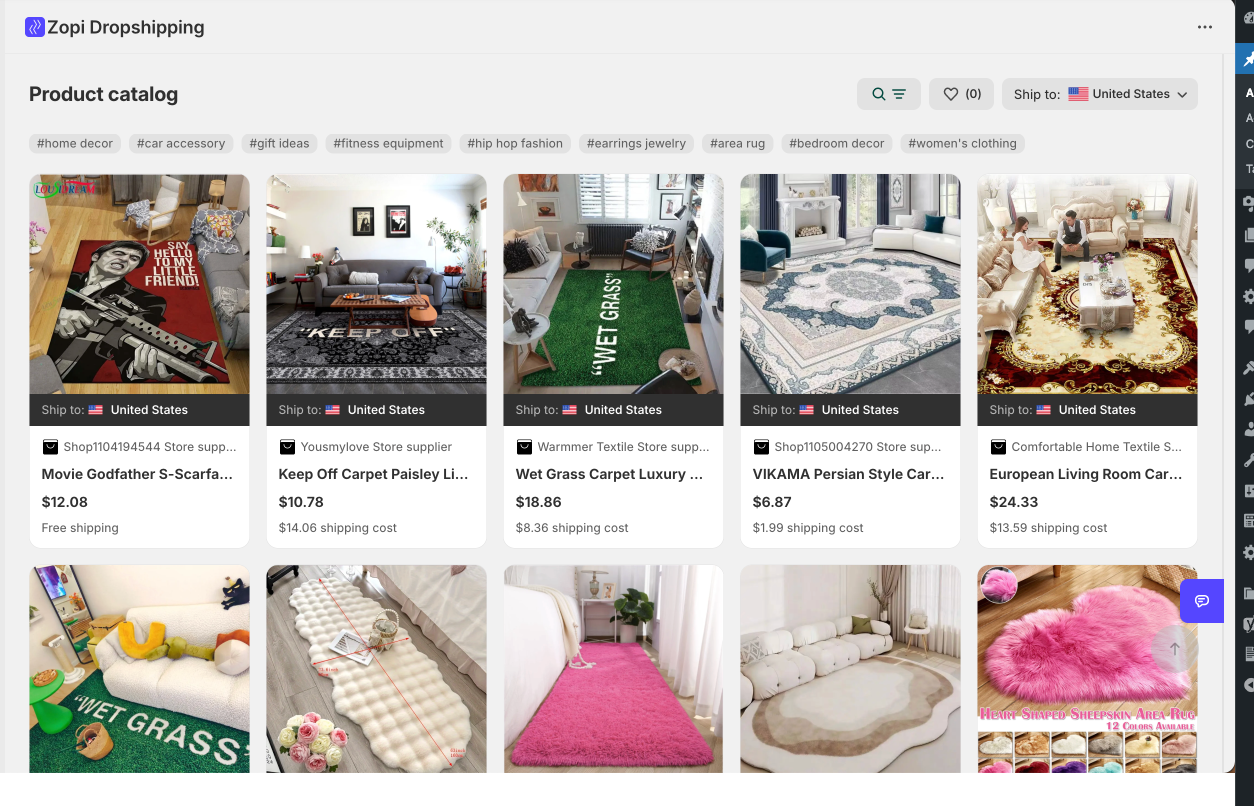
Adding a few products early on helps you preview your store properly and ensures your theme layout displays correctly. Make sure you enter accurate product details such as the title, description, images, pricing, and variants.
To save time, you can also use Zopi to import products directly into your Shopify store. Zopi helps you bring in product information, images, and variants in just a few clicks — so you don’t need to create product listings manually.
Step 4: Fine-Tune Your Store Navigation
A well-structured menu can significantly enhance the user experience, making it easier and faster for customers to navigate your store and find products.
Step 5: Enable Payments
Setting up a payment provider prepares your store to start accepting payments from customers. Do a test checkout to ensure your payment flow is glitch-free.
Step 6: Configuration of Shipping and Delivery Settings
Adequately managed shipping settings, devised with the customer experience in mind, can help set precise delivery expectations.
Step 7: Add Essential Store Pages
Having established pages like About Us, Contact Us, Shipping Policy, Refund Policy, and Terms of Service increases your store’s credibility and transparency.

Step 8: Get Your Domain
While a Shopify default domain works perfectly fine, a custom domain gives your online shop a professional facade.
Step 9: Carry Out a Test Checkout
Before Launch Running a test order before the official launch helps you confirm that all settings are functioning as expected and that customers are likely to experience a seamless checkout process.
Common Challenges and their Solution
Setting up a Shopify store can involve some hurdles, such as a taken store name, a theme that’s not matching the demo, an unresponsive checkout, or absent shipping rates. Offering a different name or spelling, uploading full products and images, ensuring activation of payment provider, and checking Shipping Zones can help overcome these respective challenges.
Tips for Quick and Effective Shopify Setup
To launch faster, focus on adding a few products first, selecting a quick-to-load theme, creating core pages, and testing your checkout process before you invest in advertising. Once your store is ready, you can use Zopi for efficient product importing and order fulfillment.
If you want to skip the setup hassle and launch with a polished, high-converting storefront, Zopi also offers a Done-for-You Store Setup service. Our experts can help you build a ready-to-sell Shopify store with a clean layout, optimized product pages, and essential settings configured — so you can focus on selling instead of setting up.
To get started, simply contact our Customer Support team , and we’ll recommend the best setup option based on your business goals.
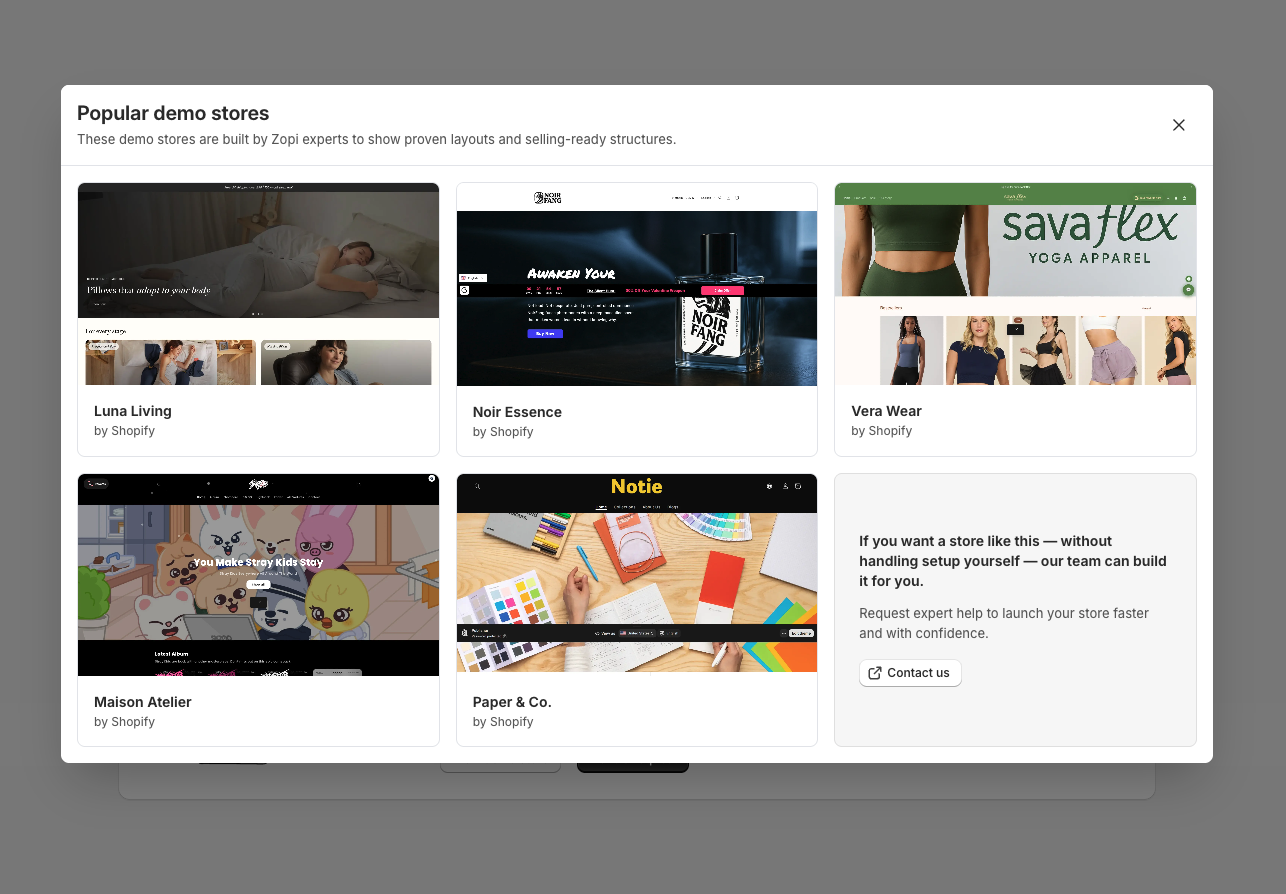
Setting up a Shopify store is an essential first step to selling online. With your theme, products, payments, shipping, and navigation in place, you are ready to launch with the backing of powerful dropshipping tools at your disposal. By linking your Shopify store to Zopi, you can start importing products right away, setting the stage for a successful dropshipping venture.