My Channel Service Center

How to Use Zopi’s Workaround Method for Unsupported Sales Channels

Update on: 09/01/2026

Table of contents

Understanding the Workaround MethodThe Importance of the Workaround Method for DropshippingA Step-by-Step Guide to Using the Workaround Method with ZopiConclusion

Introduction If you’re an ambitious dropshipper looking to expand sales across various platforms, Zopi’s workaround method is an essential tool in your arsenal. This method offers a manual yet effective way of managing product lists, fulfilling orders, and exporting order data even from unsupported platforms, providing a viable dropshipping solution across multiple sales channels.


Understanding the Workaround Method

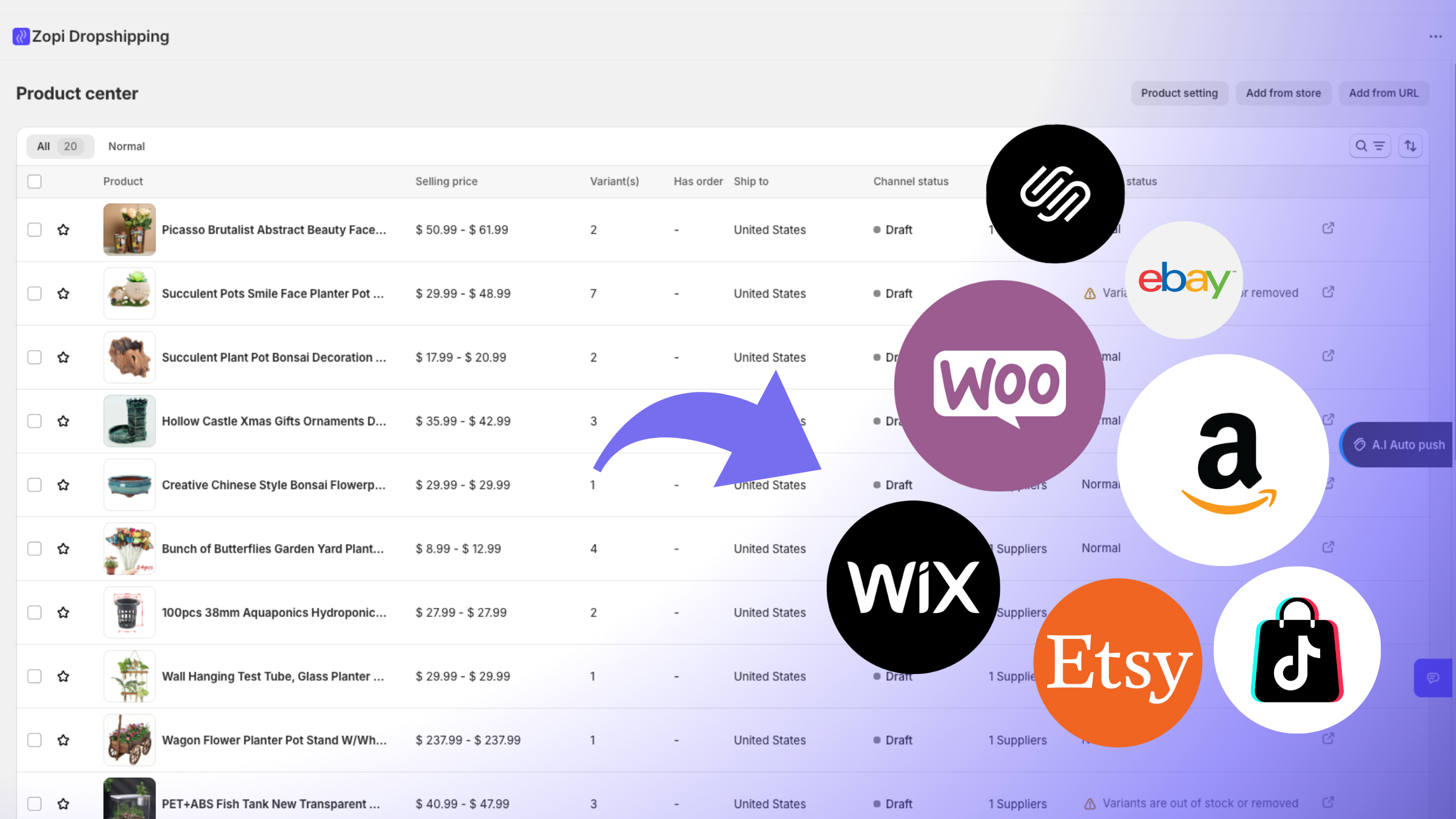
Quite simply, the workaround method is a way to make use of Zopi’s core features, such as product management, supplier mapping, order fulfillment, and tracking, in situations where there’s no direct platform integration. This serves as a bridge to sales channels that are currently not supported by Zopi, like Etsy, various marketplaces, or carefully tailored custom sales channels.

The Importance of the Workaround Method for Dropshipping

For dropshippers who are always on the lookout to explore new sales channels, the workaround method is a timely answer. It facilitates seamless trading on multiple platforms, even without native integration. Furthermore, it provides a flexible assembly line for manual or semi-automated workflows, allowing Zopi to serve as a centralized backbone for all your fulfillment and sourcing needs.


A Step-by-Step Guide to Using the Workaround Method with Zopi

The following actionable steps will help you implement the workaround method on Zopi:

Step 1: Prepare Your Products on Zopi

Kickstart by importing the chosen products into Zopi’s Product Center. It’s also the stage where you can allocate suppliers and tweak product information to ensure everything is geared up for export.

Step 2: Export Your Product List from Zopi

Once your product details are correct and updated, export the list from Zopi. These product data, downloaded in CSV or Excel format, can then be manually uploaded onto other platforms.

Step 3: Import the Products into Your Sales Channel

Next, use your exported list and upload it directly onto your desired platform. Your products are now live and ready for sale.

You can also carry out similar steps for order management and fulfillment through unsupported channels:

Step 4: Import Orders into Zopi

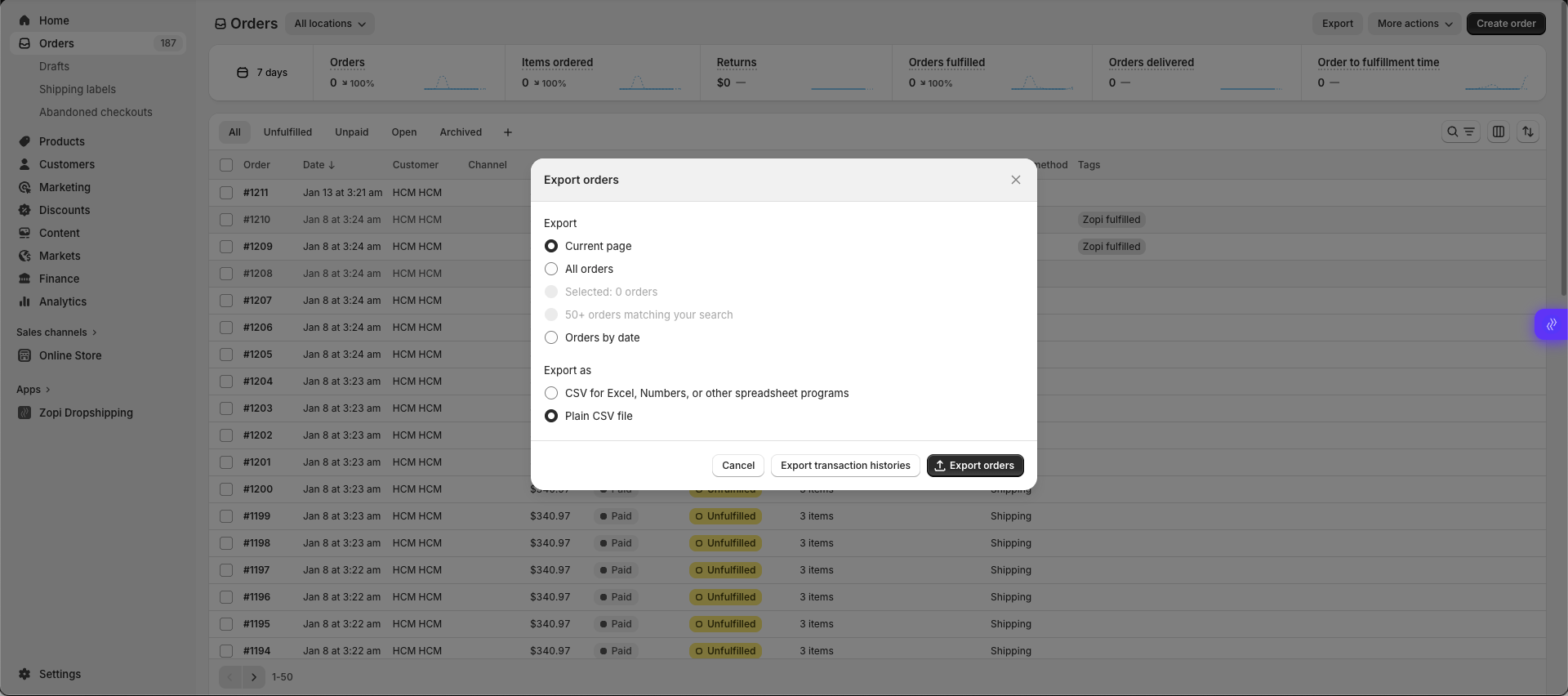
When you get an order on the unsupported platform, export the order list and import it back into Zopi for order management.

Step 5: Fulfill Orders Using Zopi

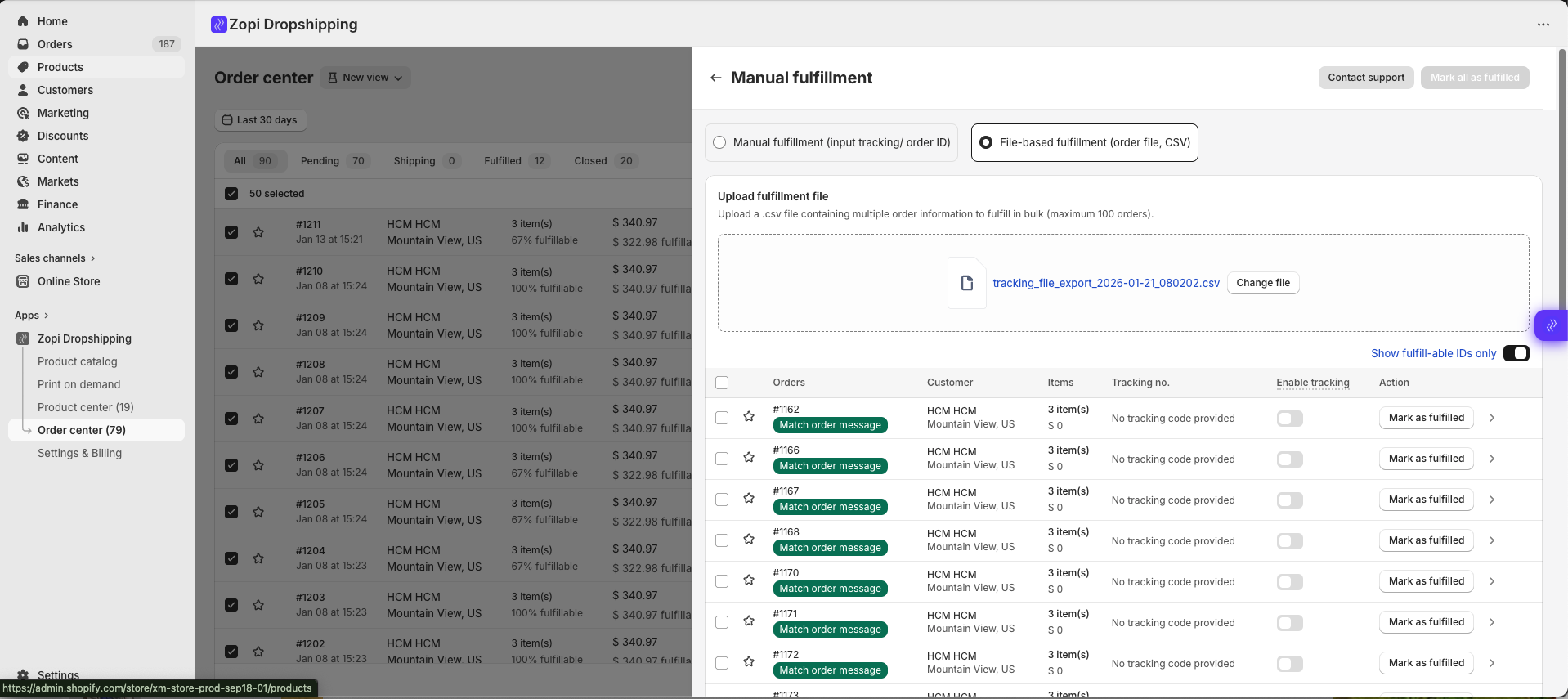
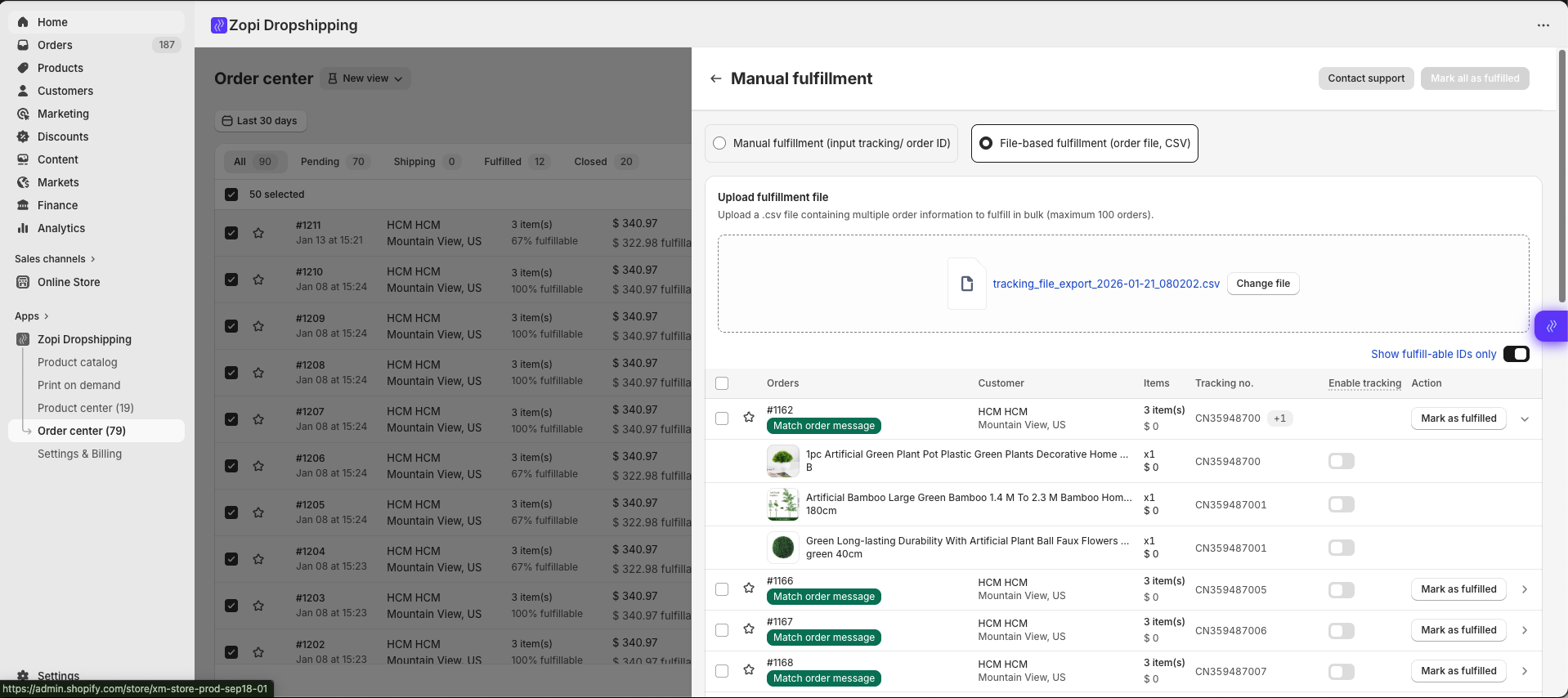
After order import, you can map products to suppliers and trigger Zopi’s standard fulfillment process. Track orders and shipment updates right inside Zopi, while the platform handles supplier communication.

Step 6: Export Fulfilled Order Data

Upon fulfillment, you can export an updated order list from Zopi. This data can then be used to sync order status and tracking information on the original platform.


Conclusion

With Zopi’s workaround method, the absence of integration doesn’t have to halt your business expansion. By preparing products, fulfilling orders, and managing operations efficiently, you can now make the most of sales opportunities across multiple platforms. If you need assistance with formatting your product or order files, please don’t hesitate to reach out to Zopi Support for guidance through the process. With Zopi, your growth is uncompromised.

Related articles

Zopi On-Demand Services: Expert Help When You Need More Than Automation

Zopi is built to automate dropshipping workflows efficiently. However, as your business grows, there are situations where hands-on expert support can save you time, reduce risks, and help you move faster. That’s where Zopi On-Demand Services come in. These services are designed for merchants who want done-for-you execution — handled directly by Zopi’s experienced team…

Install the Zopi app to your Shopify store

Are you ready to elevate your dropshipping business with Zopi but unsure where to begin? Don’t worry, we’re here to assist you! Follow this comprehensive guide to install the Zopi app effortlessly. Step-by-Step Guide to Installing the Zopi App Log in to your Shopify admin and navigate to the Apps section. Search for Zopi in…

Create a Shopify Store and Launch Faster with Zopi

Creating a Shopify store is the first step to start selling online — whether you’re launching a dropshipping business, Print-on-Demand products, or building a long-term ecommerce brand. With Shopify, you can set up your store quickly and manage everything from products to orders in one place. In this guide, you’ll learn how to create your…

Subscribe
Notify of
guest

0 Comments
Inline Feedbacks
View all comments

Table of contents

Understanding the Workaround MethodThe Importance of the Workaround Method for DropshippingA Step-by-Step Guide to Using the Workaround Method with ZopiConclusion

Related articles

Install the Zopi app to your Shopify store

Are you ready to elevate your dropshipping business with Zopi but unsure where to begin? Don’t worry, we’re here to assist you! Follow this comprehensive guide to install the Zopi app effortlessly. Step-by-Step Guide to Installing the Zopi App Log in to your Shopify admin and navigate to the Apps section. Search for Zopi in…

Step-by-Step Guide to Creating Your Shopify Store for Dropshipping

Starting an online selling venture has never been more accessible, especially with platforms like Shopify. Whether you’re aiming for dropshipping, print-on-demand (POD), or establishing an ecommerce brand, a Shopify store brings your business to life in just a matter of hours. In this article, you will learn how to set up a Shopify store, prepare…

Zopi On-Demand Services: Expert Help When You Need More Than Automation

Zopi is built to automate dropshipping workflows efficiently. However, as your business grows, there are situations where hands-on expert support can save you time, reduce risks, and help you move faster. That’s where Zopi On-Demand Services come in. These services are designed for merchants who want done-for-you execution — handled directly by Zopi’s experienced team…

Share your thought