
Service Center

Create Your Shopify Account (Start Your Store)

Update on: 26/01/2026

Table of contents

Create Your Shopify AccountStep 1: Go to https://www.shopify.com/free-trial and click Start for free (or Start free trial)Step 2: Answer the setup questions (or click Skip All to finish faster)Step 4: Create your Shopify accountWant a Ready-to-Sell Store Faster?

To start building your online store, the first step is creating your Shopify account.

Create Your Shopify Account

Step 1: Go to https://www.shopify.com/free-trial and click Start for free (or Start free trial)
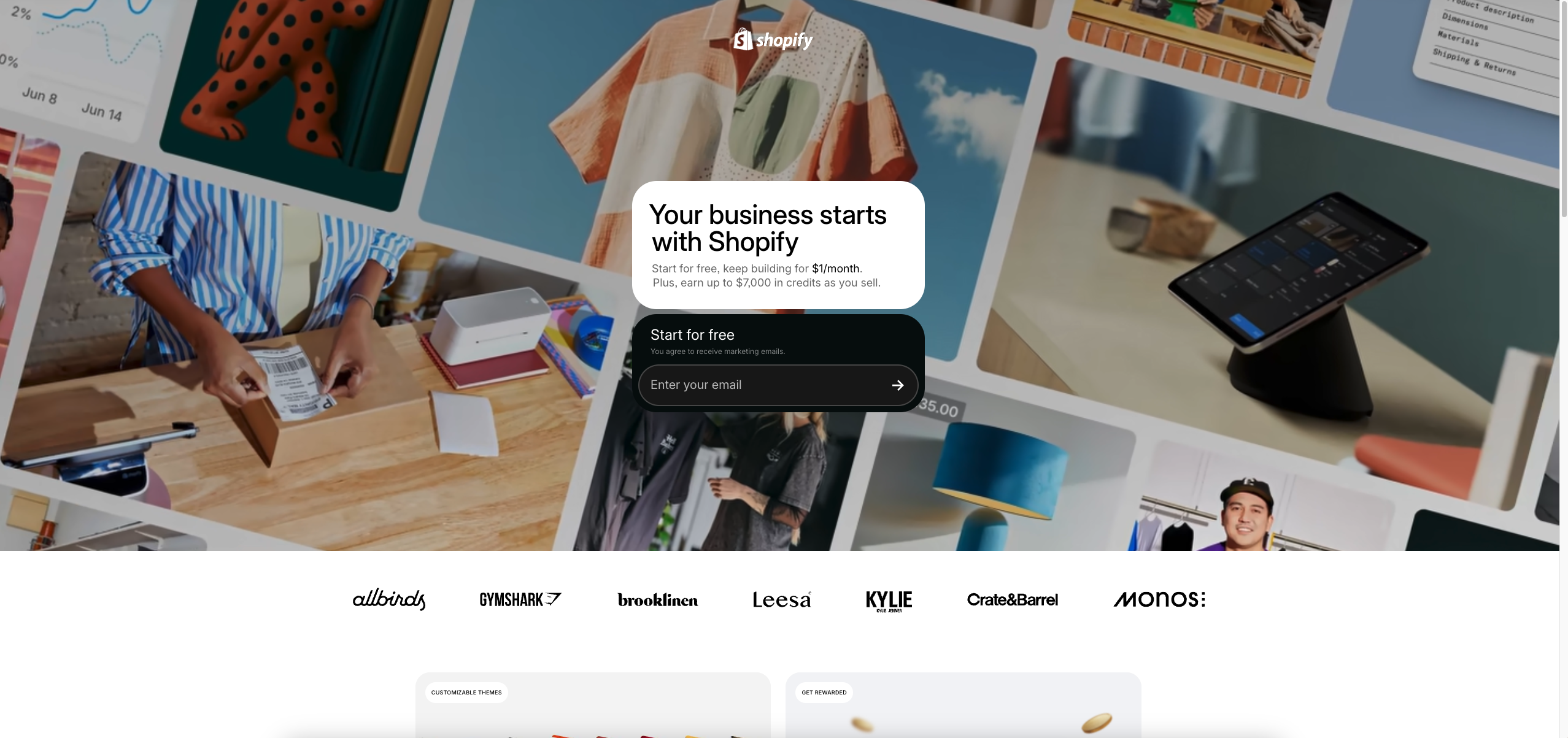
Step 2: Answer the setup questions (or click Skip All to finish faster)
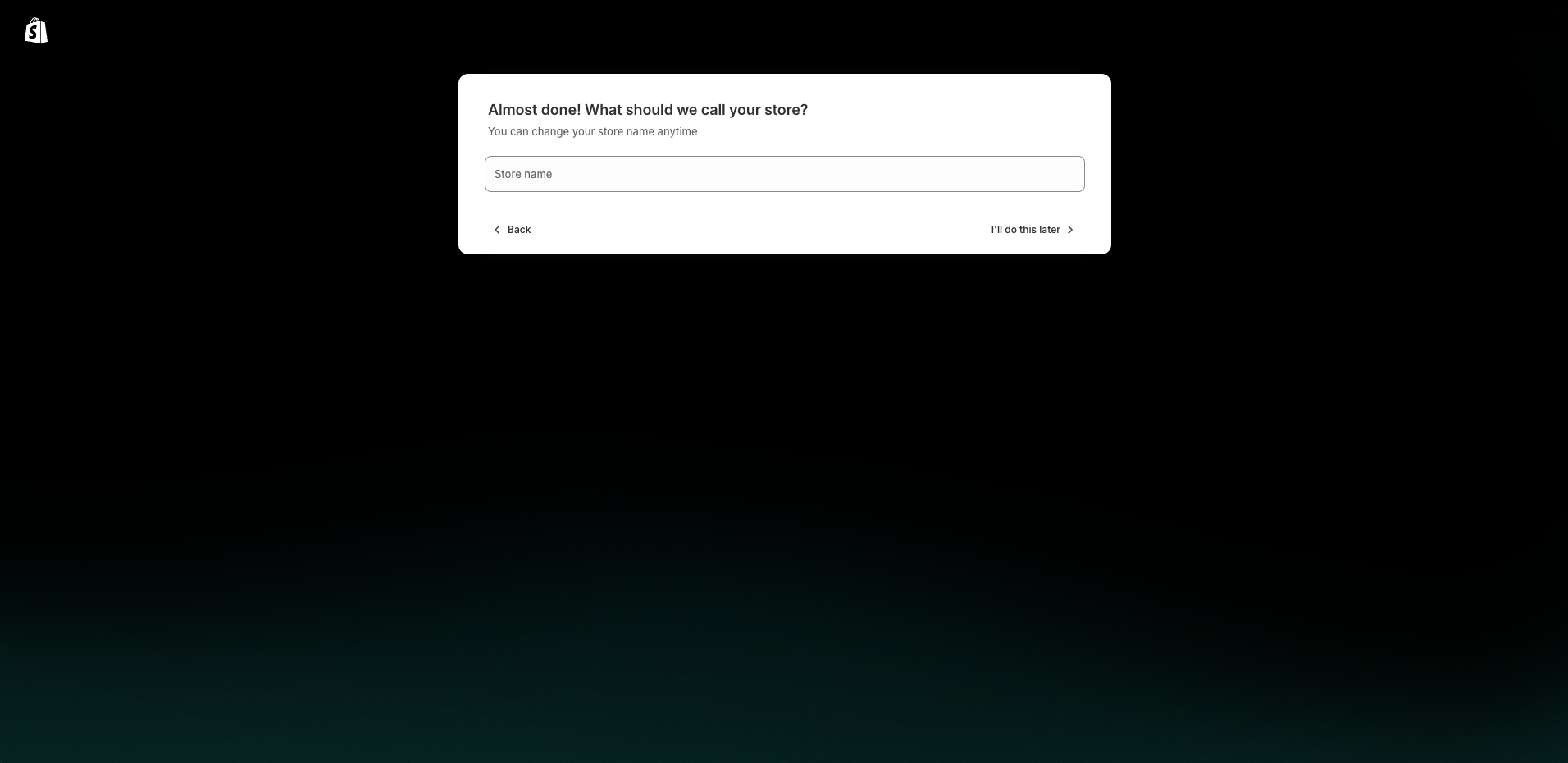
Step 3: Choose your business location

Step 4: Create your Shopify account


✅ This is the final step before your trial starts

Once completed, your store is created, and you can access your Shopify Admin.
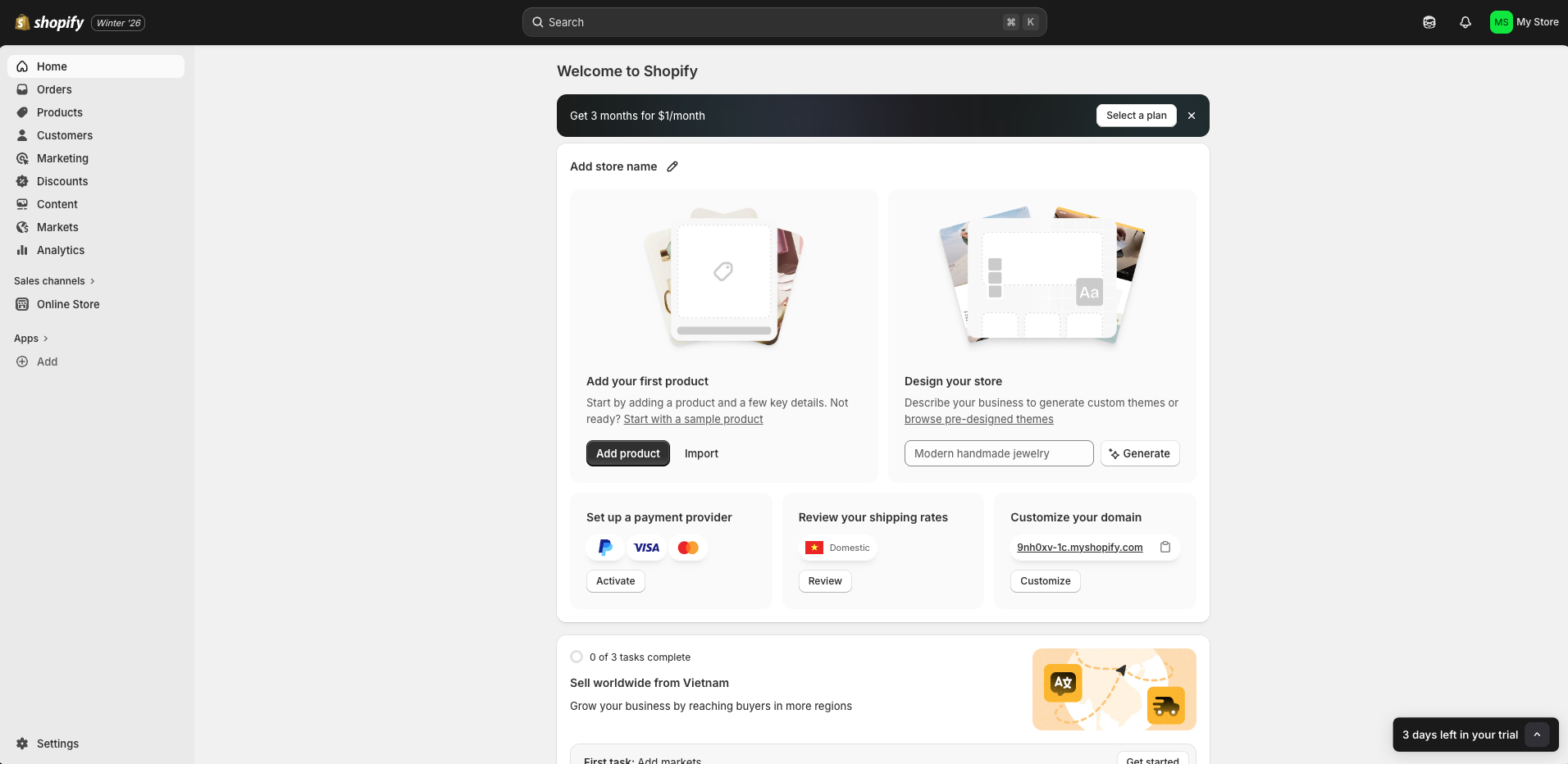
Want a Ready-to-Sell Store Faster?

If you want to skip the setup work and launch with a clean, professional storefront, Zopi offers a Done-for-You Store Setup service.

Contact Zopi Support via Live Chat to get store setup consultation and assistance.

Related articles

How to Use Zopi’s Workaround Method for Unsupported Sales Channels

Some sales channels are not yet available for direct connection in Zopi. In the meantime, you can still sell and fulfill orders using Zopi through the Workaround Method (import/export workflow).   This method is useful when you want to: Sell products on marketplaces or custom channels Fulfill orders with Zopi without a direct integration Keep…

Create a Shopify Store and Launch Faster with Zopi

Creating a Shopify store is the first step to start selling online. In just a few minutes, you can set up your store, manage products, and handle orders from one dashboard.   Why Shopify Is Great for Dropshipping Shopify helps you: Build a professional storefront with ready-to-use themes Manage products and orders in Shopify Admin…

Zopi On-Demand Services: Expert Help When You Need More Than Automation

Zopi is built to automate dropshipping workflows efficiently. However, as your business grows, there are situations where hands-on expert support can save you time, reduce risks, and help you move faster. That’s where Zopi On-Demand Services come in. These services are designed for merchants who want done-for-you execution — handled directly by Zopi’s experienced team…

Subscribe
Notify of
guest

0 Comments
Inline Feedbacks
View all comments

Table of contents

Create Your Shopify AccountStep 1: Go to https://www.shopify.com/free-trial and click Start for free (or Start free trial)Step 2: Answer the setup questions (or click Skip All to finish faster)Step 4: Create your Shopify accountWant a Ready-to-Sell Store Faster?

Related articles

Step-by-Step Guide to Creating Your Shopify Store for Dropshipping

Starting an online selling venture has never been more accessible, especially with platforms like Shopify. Whether you’re aiming for dropshipping, print-on-demand (POD), or establishing an ecommerce brand, a Shopify store brings your business to life in just a matter of hours. In this article, you will learn how to set up a Shopify store, prepare…

Zopi On-Demand Services: Expert Help When You Need More Than Automation

Zopi is built to automate dropshipping workflows efficiently. However, as your business grows, there are situations where hands-on expert support can save you time, reduce risks, and help you move faster. That’s where Zopi On-Demand Services come in. These services are designed for merchants who want done-for-you execution — handled directly by Zopi’s experienced team…

Create a Shopify Store and Launch Faster with Zopi

Creating a Shopify store is the first step to start selling online. In just a few minutes, you can set up your store, manage products, and handle orders from one dashboard.   Why Shopify Is Great for Dropshipping Shopify helps you: Build a professional storefront with ready-to-use themes Manage products and orders in Shopify Admin…

Share your thought