
Service Center

Create Your Shopify Account (Start Your Store)

Update on: 26/01/2026

Table of contents

Create Your Shopify AccountStep 1: Go to https://www.shopify.com/free-trial and click Start for free (or Start free trial)Step 2: Answer the setup questions (or click Skip All to finish faster)Step 4: Create your Shopify accountWant a Ready-to-Sell Store Faster?

To start building your online store, the first step is creating your Shopify account.

Create Your Shopify Account

Step 1: Go to https://www.shopify.com/free-trial and click Start for free (or Start free trial)
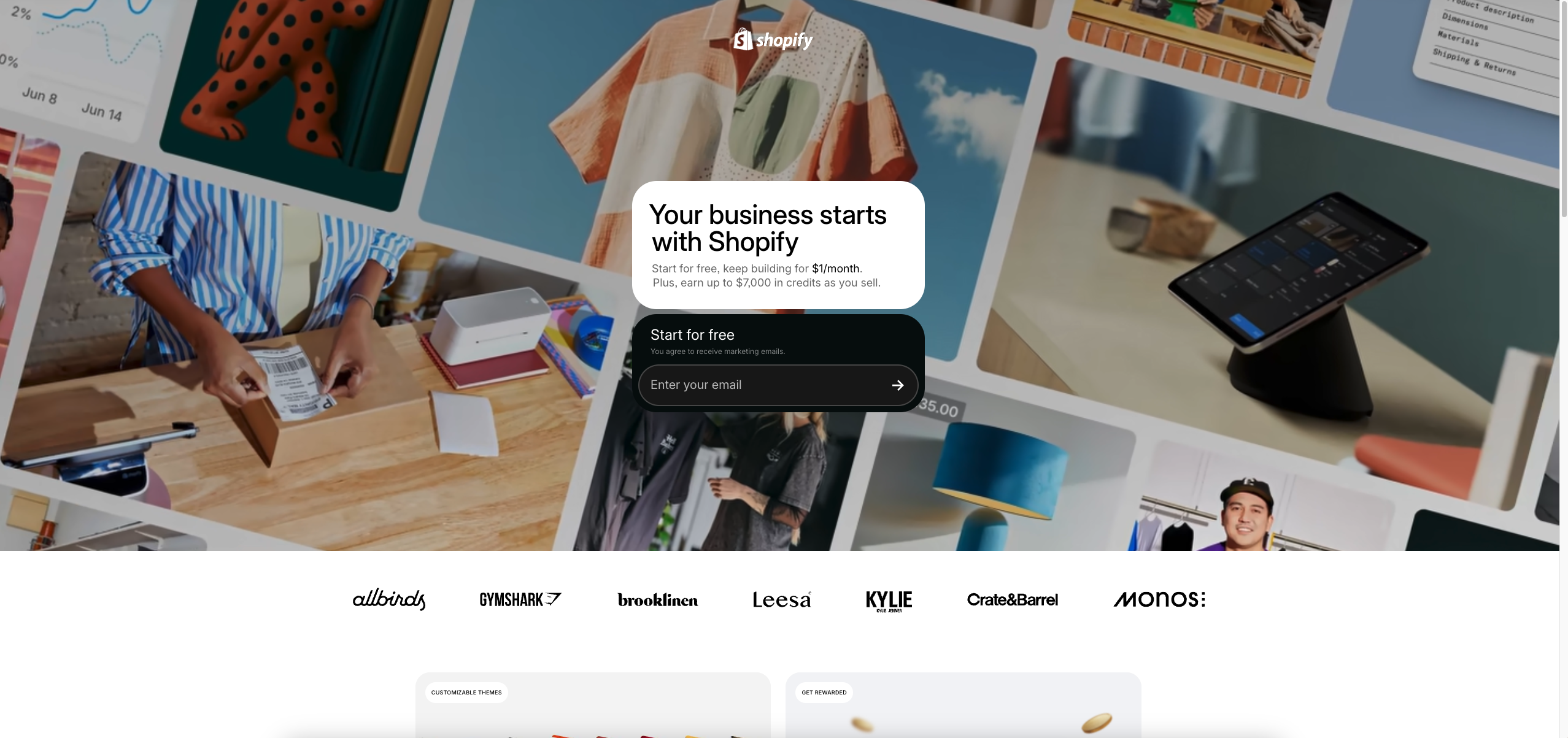
Step 2: Answer the setup questions (or click Skip All to finish faster)
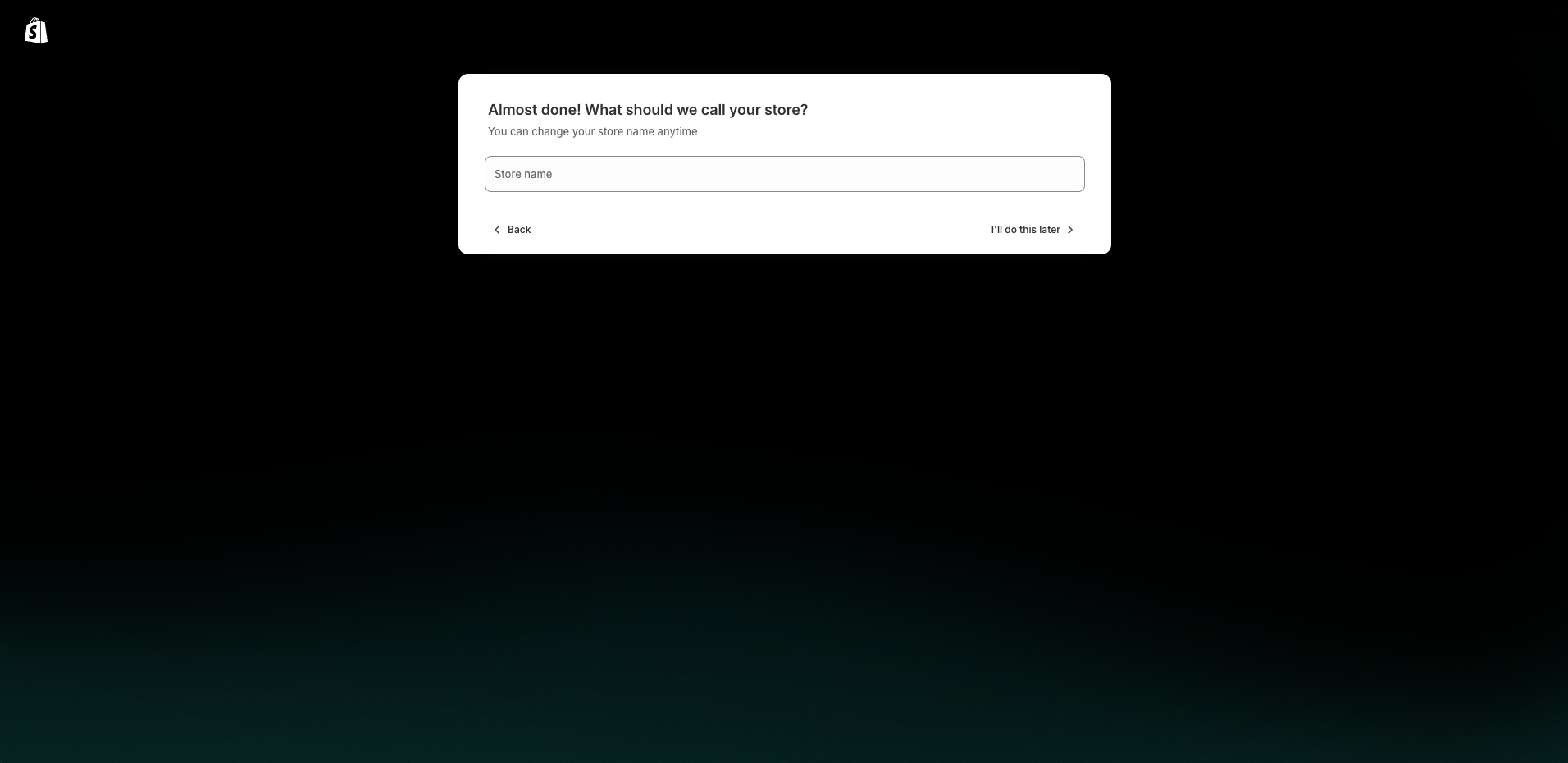
Step 3: Choose your business location

Step 4: Create your Shopify account


✅ This is the final step before your trial starts

Once completed, your store is created, and you can access your Shopify Admin.
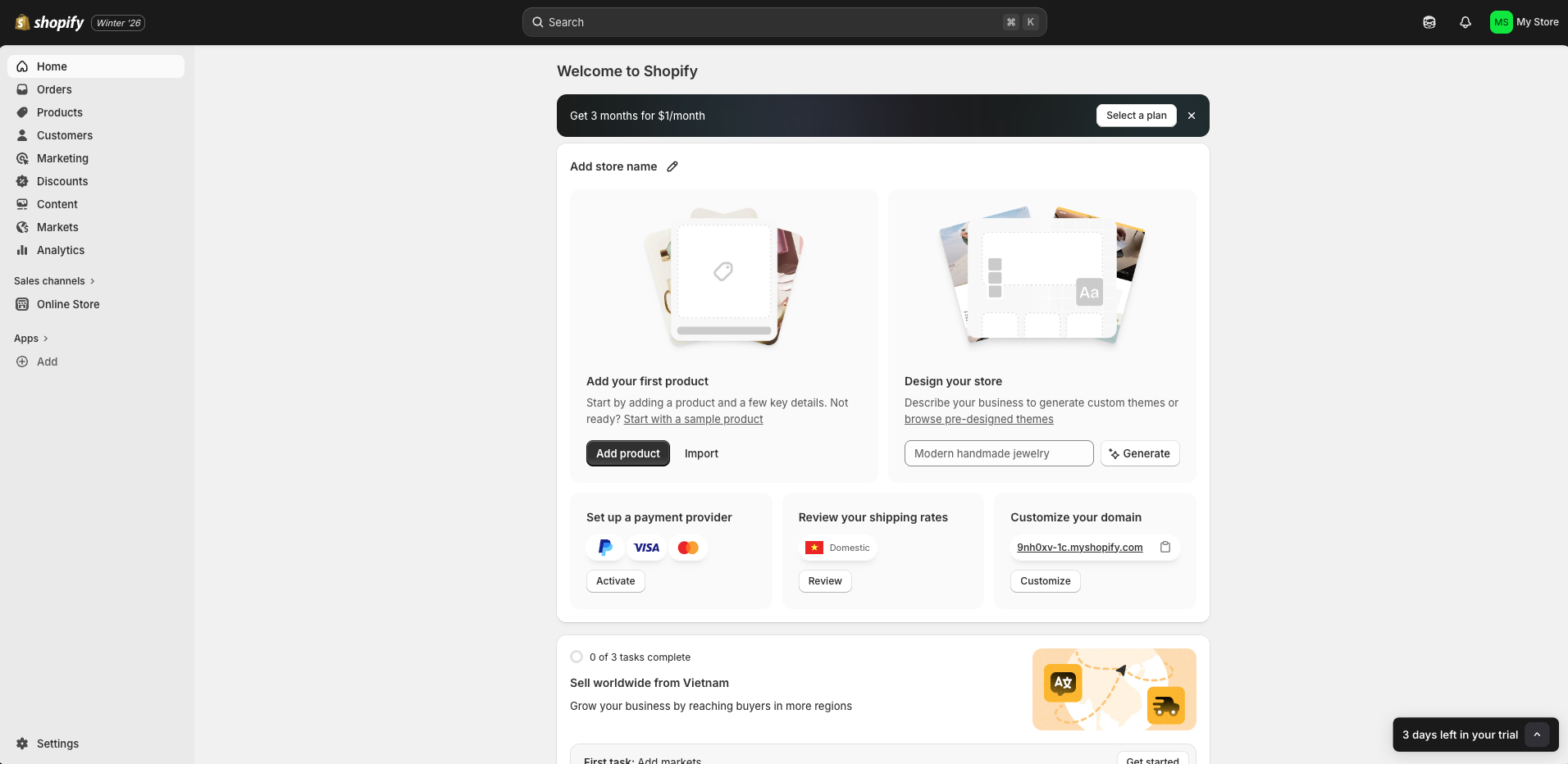
Want a Ready-to-Sell Store Faster?

If you want to skip the setup work and launch with a clean, professional storefront, Zopi offers a Done-for-You Store Setup service.

Contact Zopi Support via Live Chat to get store setup consultation and assistance.

Related articles

Step-by-Step Guide to Creating Your Shopify Store for Dropshipping

Starting an online selling venture has never been more accessible, especially with platforms like Shopify. Whether you’re aiming for dropshipping, print-on-demand (POD), or establishing an ecommerce brand, a Shopify store brings your business to life in just a matter of hours. In this article, you will learn how to set up a Shopify store, prepare…

Create a Shopify Store and Launch Faster with Zopi

Creating a Shopify store is the first step to start selling online. In just a few minutes, you can set up your store, manage products, and handle orders from one dashboard.   Why Shopify Is Great for Dropshipping Shopify helps you: Build a professional storefront with ready-to-use themes Manage products and orders in Shopify Admin…

Zopi On-Demand Services: Expert Help When You Need More Than Automation

Zopi is built to automate dropshipping workflows efficiently. However, as your business grows, there are situations where hands-on expert support can save you time, reduce risks, and help you move faster. That’s where Zopi On-Demand Services come in. These services are designed for merchants who want done-for-you execution — handled directly by Zopi’s experienced team…

Subscribe
Notify of
guest

0 Comments
Inline Feedbacks
View all comments

Table of contents

Create Your Shopify AccountStep 1: Go to https://www.shopify.com/free-trial and click Start for free (or Start free trial)Step 2: Answer the setup questions (or click Skip All to finish faster)Step 4: Create your Shopify accountWant a Ready-to-Sell Store Faster?

Related articles

Create a Shopify Store and Launch Faster with Zopi

Creating a Shopify store is the first step to start selling online. In just a few minutes, you can set up your store, manage products, and handle orders from one dashboard.   Why Shopify Is Great for Dropshipping Shopify helps you: Build a professional storefront with ready-to-use themes Manage products and orders in Shopify Admin…

Zopi On-Demand Services: Expert Help When You Need More Than Automation

Zopi is built to automate dropshipping workflows efficiently. However, as your business grows, there are situations where hands-on expert support can save you time, reduce risks, and help you move faster. That’s where Zopi On-Demand Services come in. These services are designed for merchants who want done-for-you execution — handled directly by Zopi’s experienced team…

Step-by-Step Guide to Creating Your Shopify Store for Dropshipping

Starting an online selling venture has never been more accessible, especially with platforms like Shopify. Whether you’re aiming for dropshipping, print-on-demand (POD), or establishing an ecommerce brand, a Shopify store brings your business to life in just a matter of hours. In this article, you will learn how to set up a Shopify store, prepare…

Share your thought