
Zopi AI Assistant helps simplify order management by assisting with operational tasks directly inside Zopi.
Instead of manually checking and processing orders one by one, you can ask the assistant to help retrieve order information, review pending orders, and support fulfillment workflows.
👉 AI Assistant focuses on helping you manage orders faster and more efficiently.
What AI Assistant Can Do for Orders
AI Assistant can help with:
- Listing pending orders
- Retrieving specific order details
- Reviewing order statuses
- Helping place or fulfill orders
- Supporting bulk order operations
👉 The assistant is designed to reduce manual order management tasks.
Access AI Assistant
To use AI Assistant for order management:
- Open Zopi
- Click AI Assistant
Path: Zopi > AI Assistant
You can also connect the assistant through:
- Telegram
Supported Order Tasks
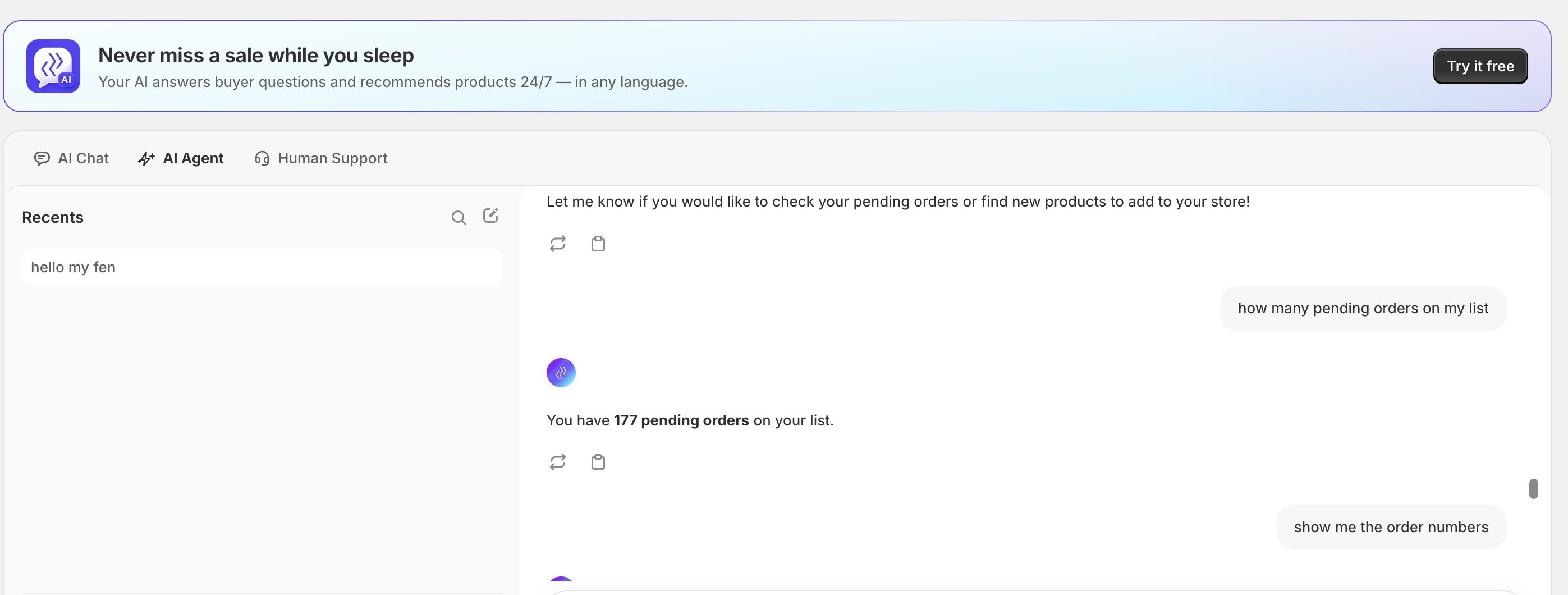
View Pending Orders
You can ask AI Assistant to retrieve pending orders that need fulfillment.
Examples:
- “Show pending orders”
- “List orders waiting for payment”
- “Find orders that need fulfillment”
Retrieve Order Details
AI Assistant can help find specific order information.
Examples:
- “Find order #1025”
- “Show customer details for this order”
- “Check tracking status for order #2048”
Review Order Status
AI Assistant can help explain and review order progress.
Supported statuses may include:
- Pending
- Processing
- Shipping
- Fulfilled
Examples:
- “Why is this order delayed?”
- “Show orders still in processing”
Help Fulfill Orders
AI Assistant can assist with fulfillment workflows.
Examples:
- “Place all pending orders”
- “Fulfill selected orders”
- “Review orders before fulfillment”
👉 Depending on your workflow, orders may be processed individually or in bulk.
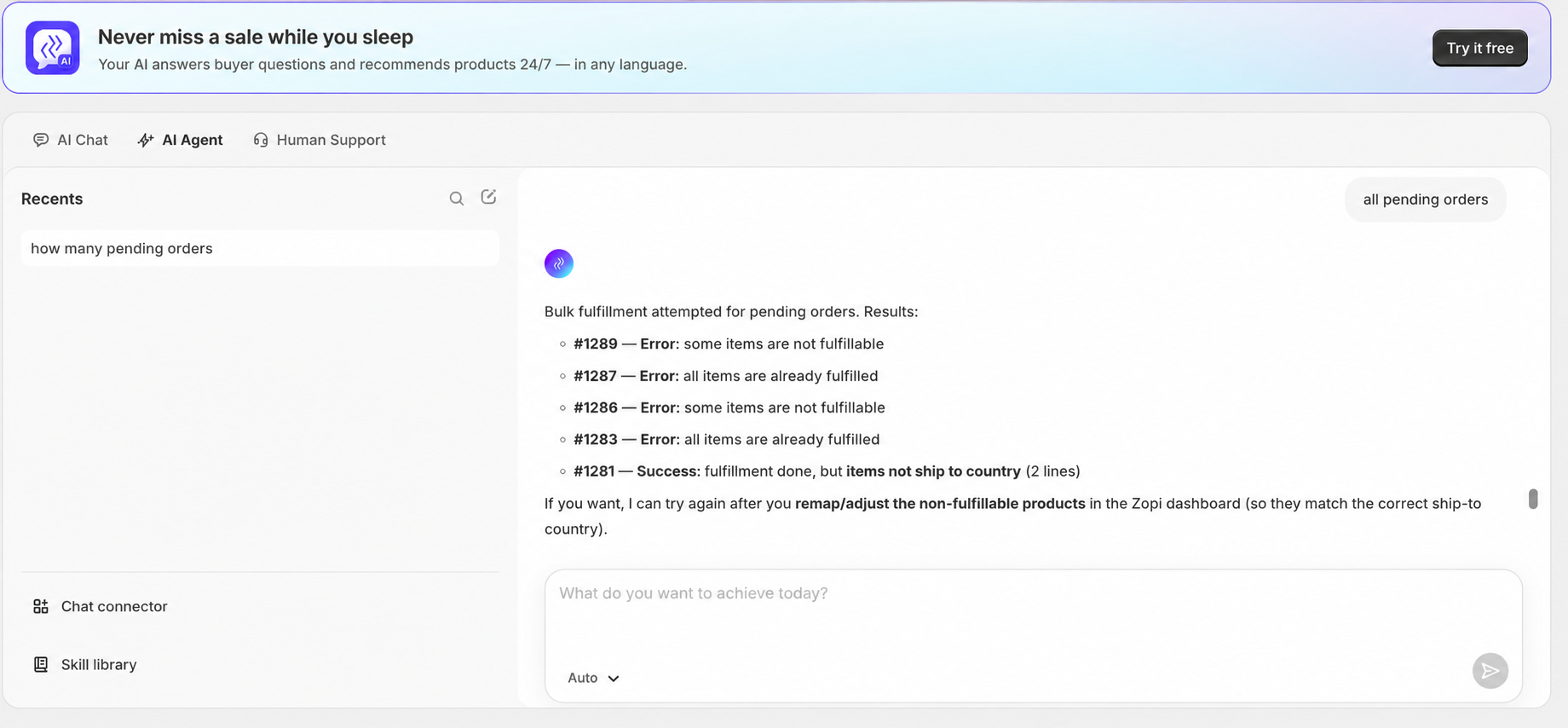
Bulk Order Operations
AI Assistant also supports bulk operational tasks.
Examples:
- Bulk order fulfillment
- Bulk order review
- Bulk status checking
👉 This helps reduce repetitive manual work for stores with larger order volumes.
Best Practices
- Use specific order IDs when possible
- Ask one operational task at a time
- Review orders before bulk fulfillment
- Monitor delayed or pending orders regularly
👉 Clear instructions help AI Assistant process tasks more accurately.
Need Help?
If you need assistance while using Zopi:
- Contact our support team via Live Chat inside Zopi
- Visit the Zopi Help Center for more guides
- Join the Zopi Community to ask questions and learn from other users
👉 Our team is available to help you resolve issues quickly and keep your orders running smoothly.