
Some sales channels are not yet available for direct connection in Zopi. In the meantime, you can still sell and fulfill orders using Zopi through the Workaround Method (import/export workflow).
This method is useful when you want to:
-
Sell products on marketplaces or custom channels
-
Fulfill orders with Zopi without a direct integration
-
Keep your product and order workflow organized in one place
What Is the Workaround Method?
The workaround method lets you use Zopi as your backend system for:
-
Product management
-
Supplier mapping
-
Order fulfillment
-
Tracking updates
Instead of syncing automatically, you’ll work with CSV/Excel files to move product and order data between Zopi and your sales channel.
When Should You Use This Method?
You should use the workaround method if:
-
Your platform shows Coming soon in Zopi
-
You sell on a channel that doesn’t support direct app installation
-
You want to start selling immediately without waiting for integration
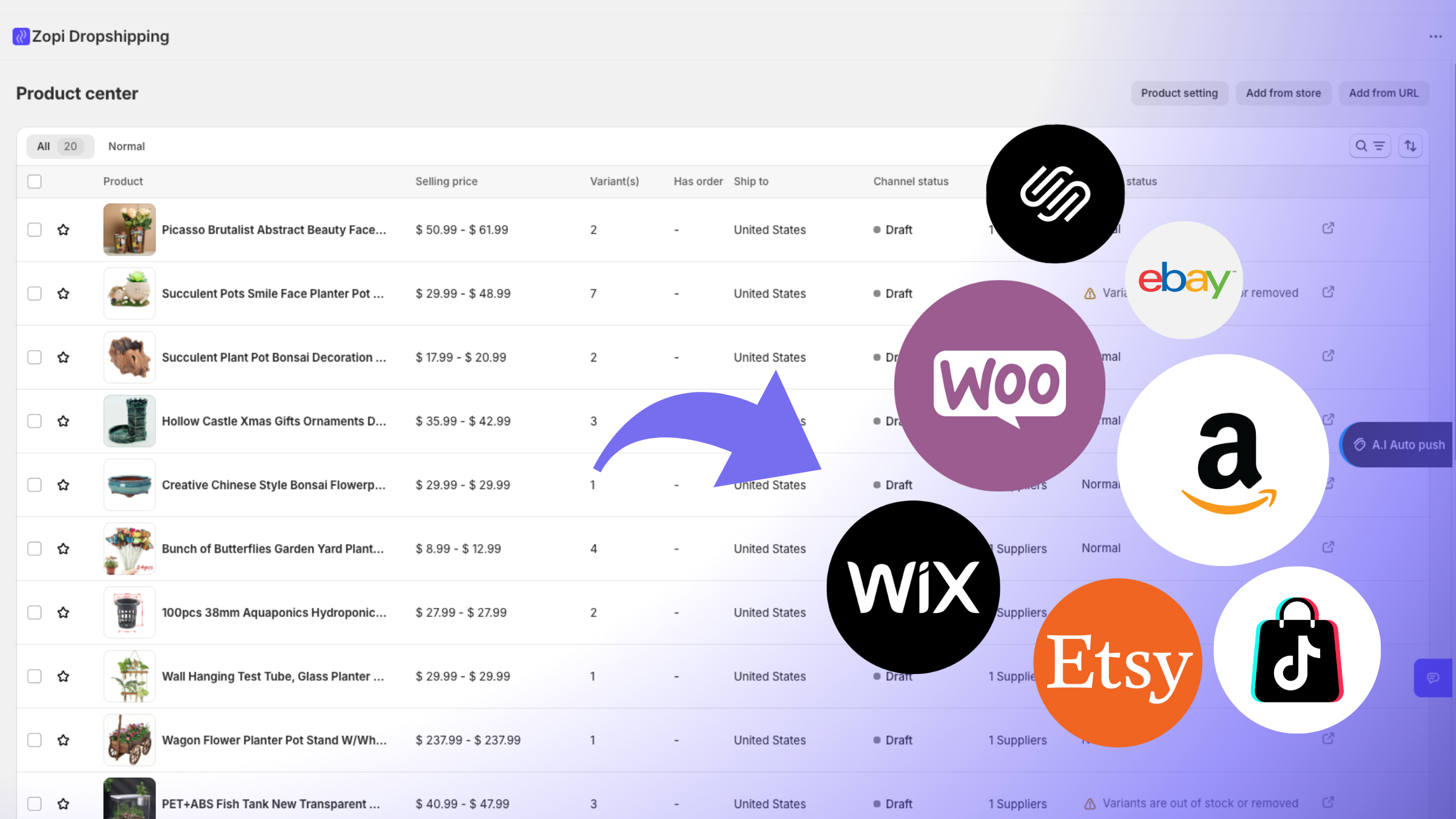
Step-by-Step: Use Zopi for Product Listing (Export → Import)
This flow helps you list products on an unsupported platform using Zopi.
Step 1: Prepare Products in Zopi
Start by adding products into Zopi and making sure they are ready to sell:
-
Import products into Product Center
-
Review product details (title, images, variants, pricing)
-
Map to a supplier if needed
Step 2: Export Your Product List
Next, export products from Zopi:
-
Download your product list as CSV/Excel
-
Use that file to upload products to your sales channel
Step 3: Import Products to Your Platform
On your sales channel/platform:
-
Upload the exported product file
-
Publish your products and start selling
✅ Your products are now live, even without a direct integration.
Step-by-Step: Fulfill Orders Using Zopi (Import → Fulfill → Export)
This flow helps you fulfill orders from unsupported platforms through Zopi.
Step 1: Export Orders From Your Platform
Once you receive orders, export the order list from your sales channel (CSV/Excel)
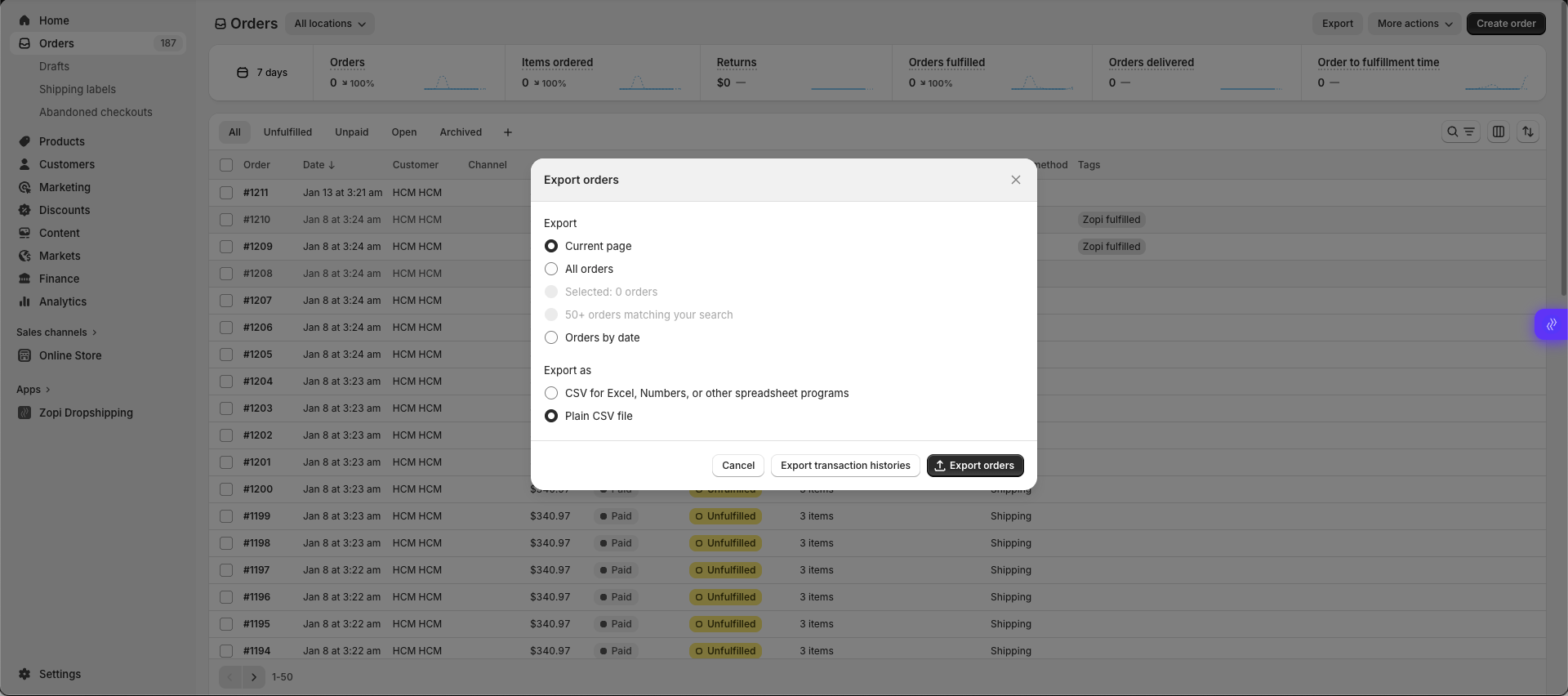
Step 2: Import Orders Into Zopi
Upload the order file into Zopi so you can manage fulfillment inside Order Center.
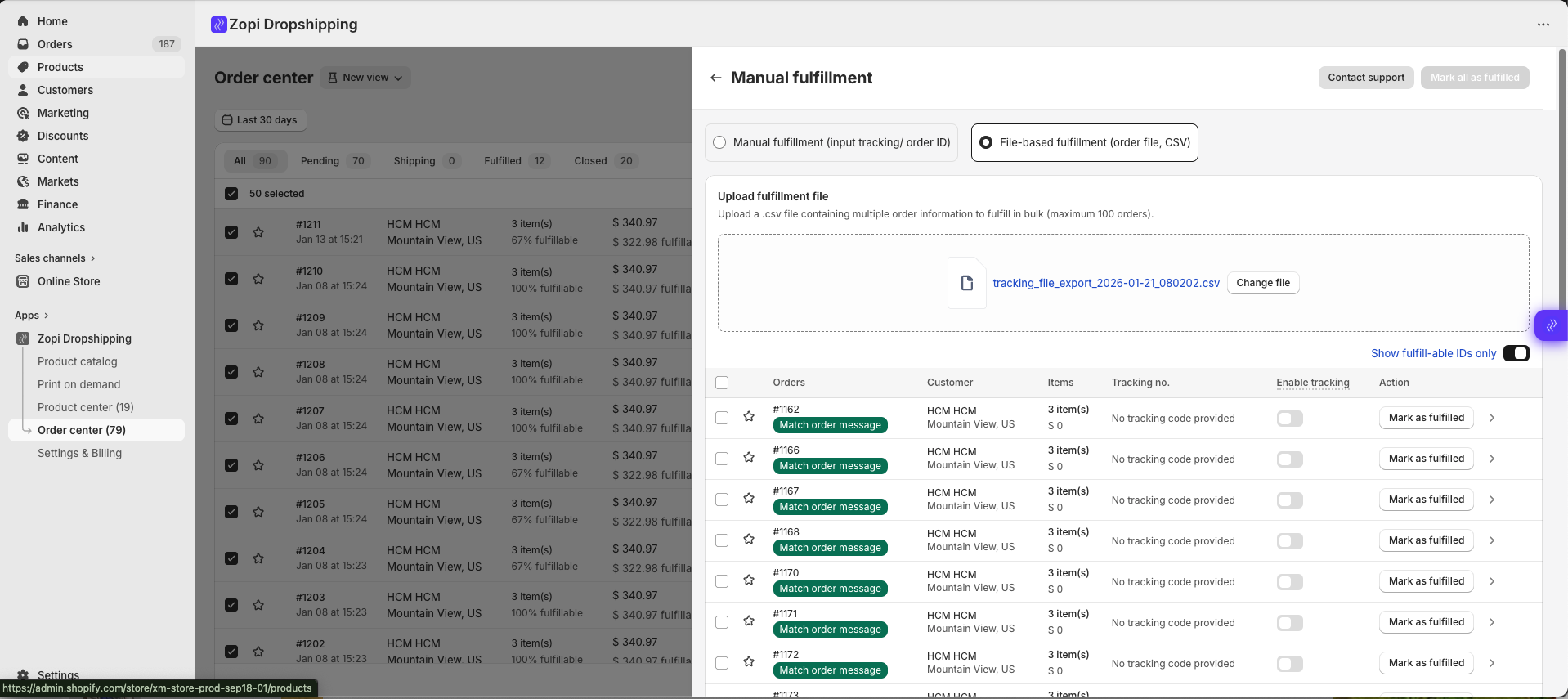
Step 3: Fulfill Orders in Zopi
After importing:
-
Review supplier mapping
-
Fulfill orders like normal in Zopi
-
Zopi will generate tracking once the order is processed/shipped
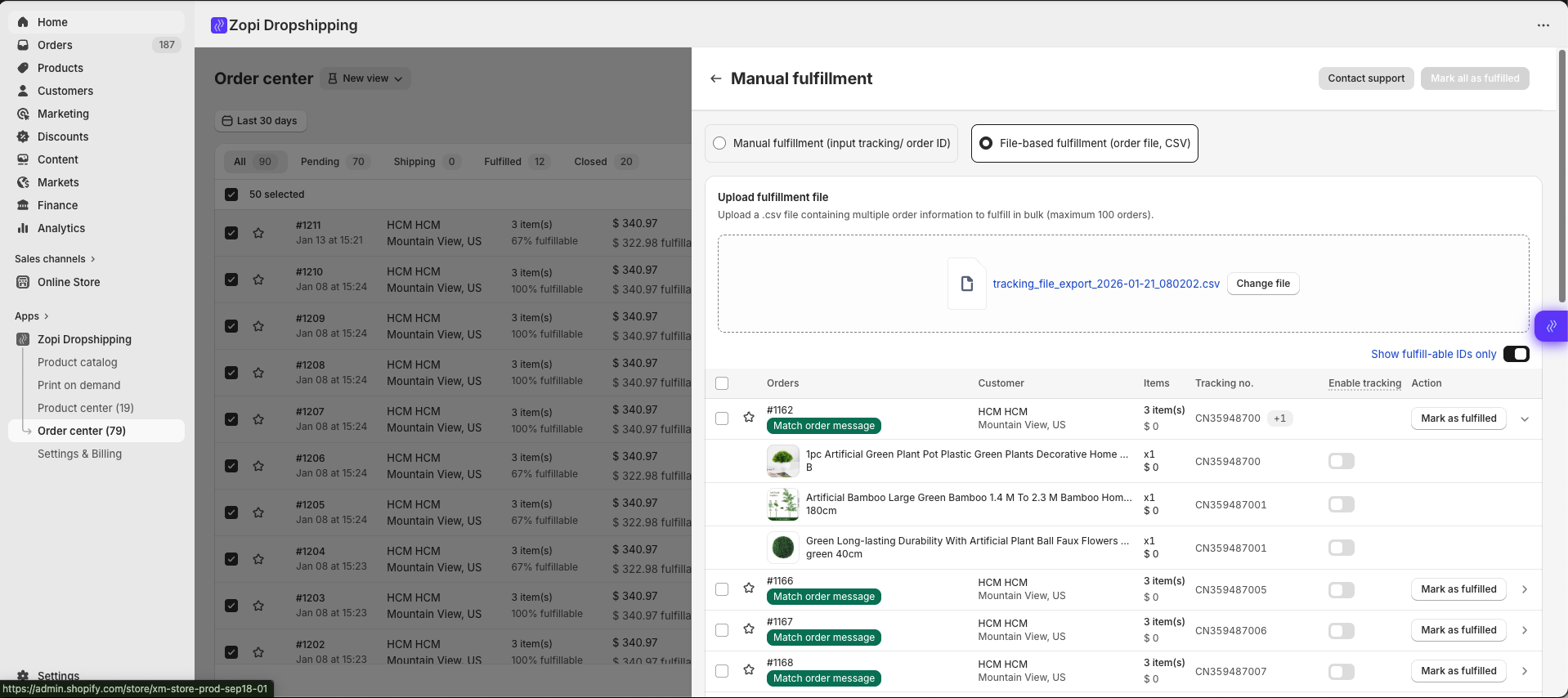
Step 4: Export Fulfilled Order List
When fulfillment is done:
-
Export your updated order file from Zopi
-
Use it to update order status/tracking on your sales channel
✅ This keeps your storefront updated without needing direct sync.
Need Help?
If you’re unsure which file format to use or how to structure your product/order list, contact Zopi Support via Live Chat — our team can guide you through the best workflow for your platform.